Sticky notes for the Mac menu bar
Pull yourself a note.
Pull a note out of the menu bar, as big as you need it. It stays on top of full-screen apps, keeps every version — and Claude & co. can put notes there for you too.
$6.99 once. No subscription.
Coming soon to the Mac App Store
The Gesture
All you really do is pull
-
Pull down
= new note
-
Pull further
= bigger
-
Pull sideways
= wide or tall
-
Push back
= filed away
-
Flick away
= filed quickly
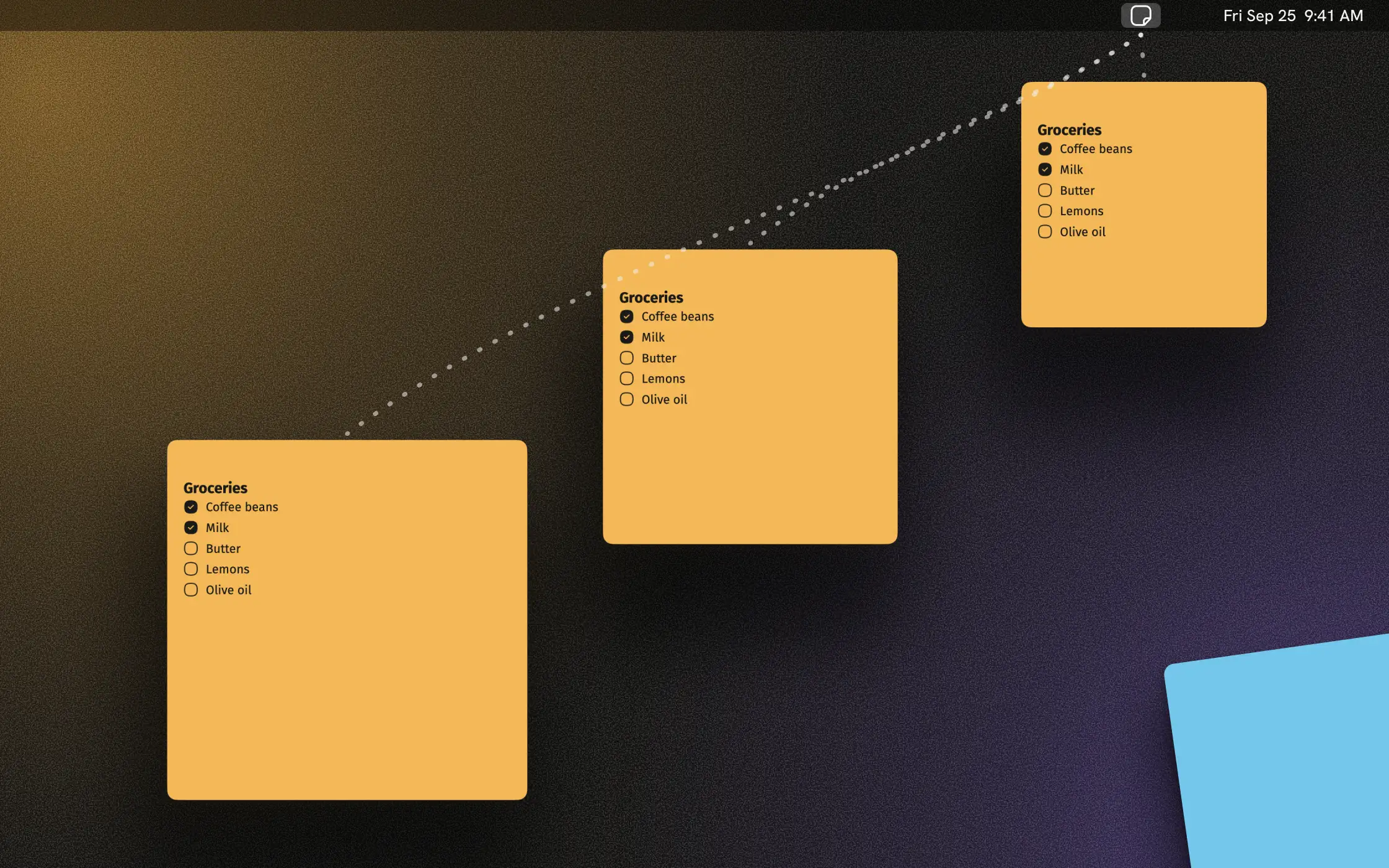
Full Screen
Stays put in full screen
When an app fills the whole screen, during a video call or a movie, your notes stay in front. If you'd rather they didn't, turn it off in Settings.
Paper
Feels like paper
Let go of a note and it swings for a moment before it hangs straight. There are eight paper colors, real shadows and type that stays easy to read on every color. Small things, but you see them every day.
History
Just rewind
Every note keeps its recent versions. If you typed over something, hover the timeline at the edge and bring the old text back. A note you deleted by accident comes back with Undo, history included. All of it is stored only on your Mac.
Archive
Off to the Archive
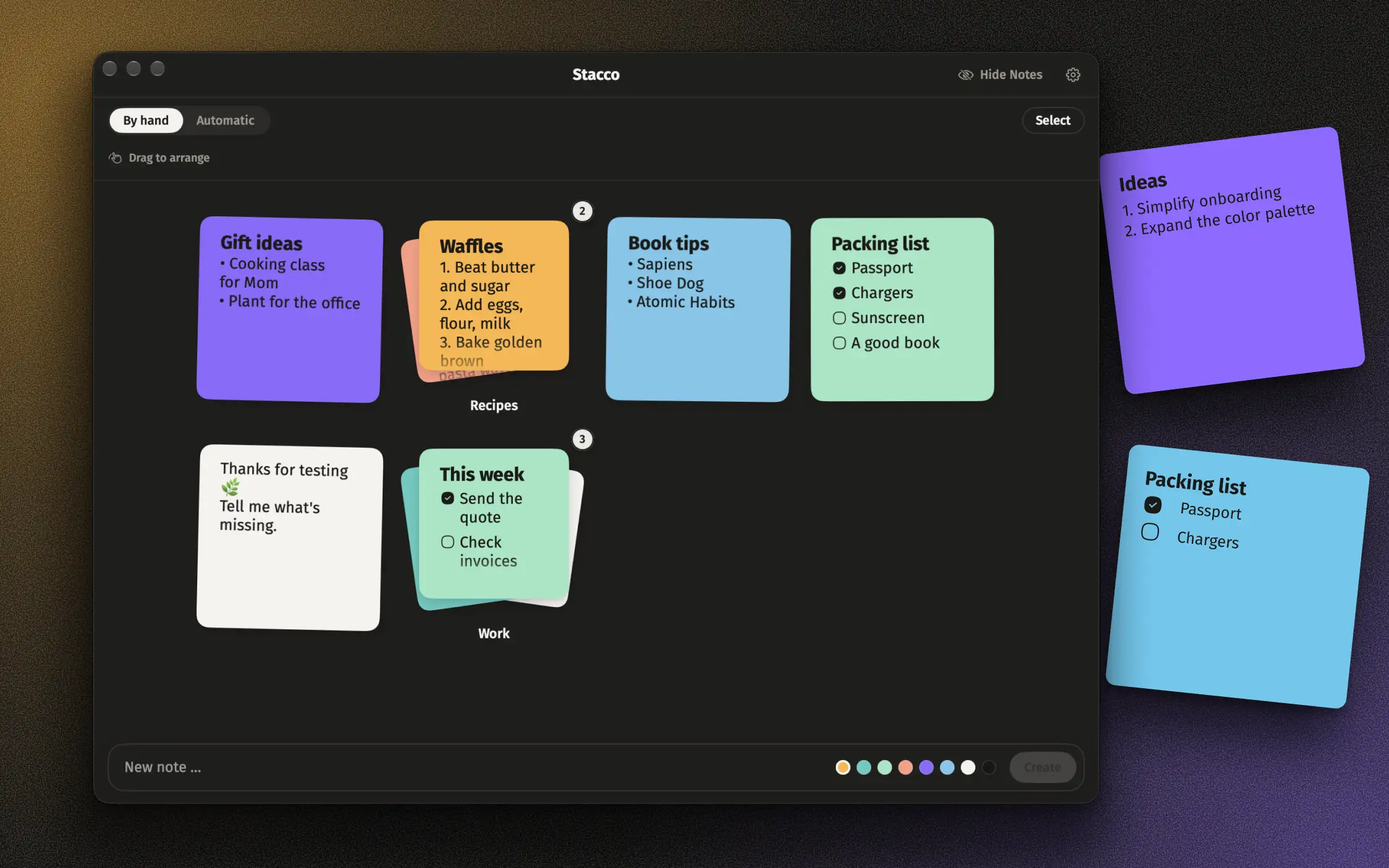
Push a note back into the menu bar and it goes to the Archive. There you can search, sort and put notes together into stacks, say one per project. When you need a note again, just pull it back onto the desk.
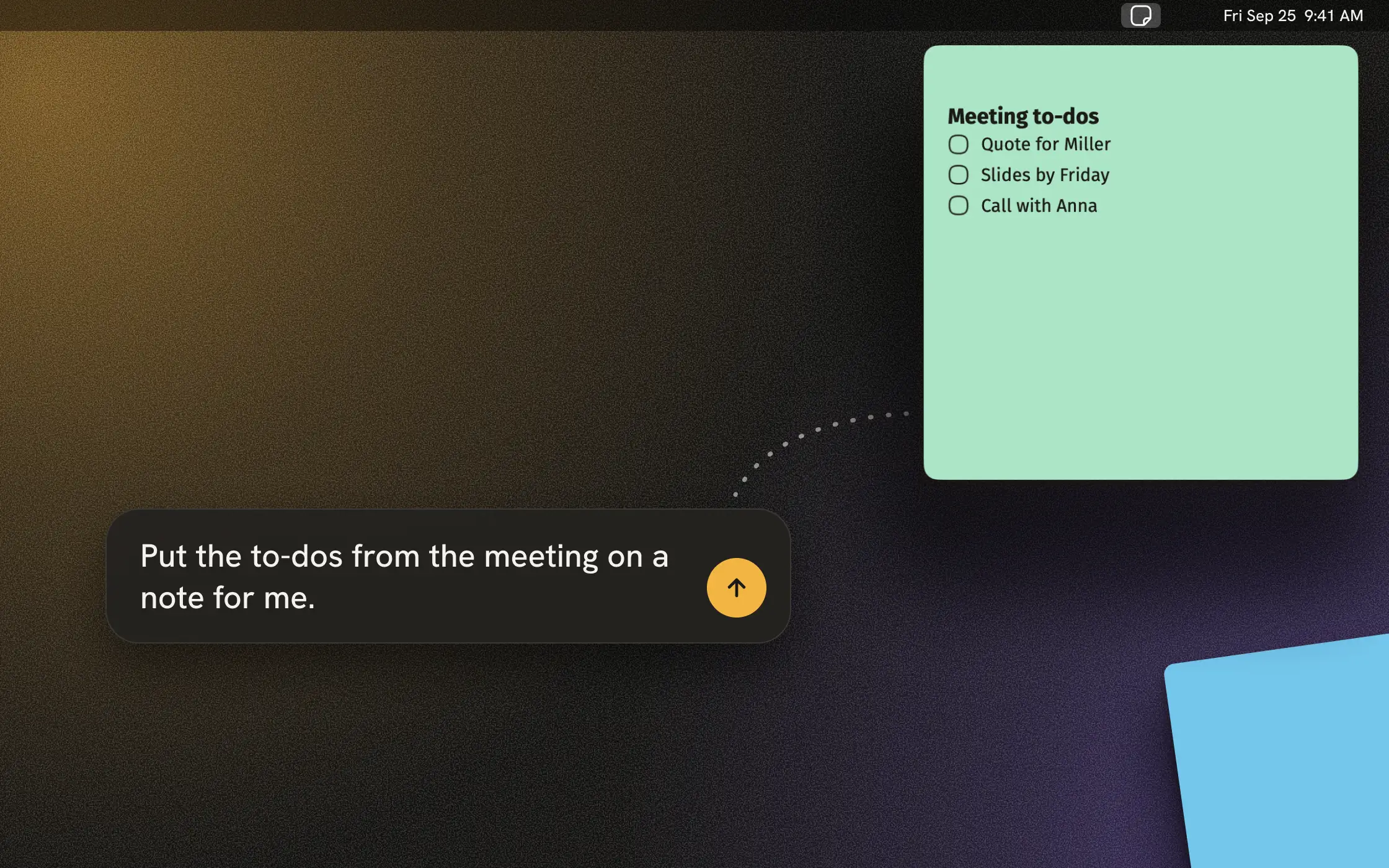
AI connection
Let your AI take notes
Switch on the AI connection in Settings and an AI app on your Mac, such as Claude, can write notes for you, like the to-dos from your last meeting. The note comes out of the menu bar as if you had pulled it yourself. The AI may read, change, tick off and file notes, but not delete them. The connection is off by default and costs nothing extra.
What you won't find
- No subscription
- No account
- No built-in AI
- No tracking
- No ads
Stacco is a sticky-notes app, and it doesn't want to be anything else.
What else Stacco can do
- Quick capture: click the icon or press ⌥⌘N (you can change the shortcut)
- Headings, lists and checklists
- Export as Markdown
- Send to Apple Notes
- Share a note as an image, a PNG with its shadow
- Archive with search, stacks and sorting
- Visible over full-screen apps
- ⌥⇧⌘H hides every note, handy when you share your screen
- AI connection for Claude & co., off by default
- Unplug a display and your notes move to the laptop screen, then go back when you plug it in again
- Timeline and archive work with VoiceOver
- 12 languages
Price
$6.99, once
Less than a month of SlashNote Pro, and after that you pay nothing more.
Coming soon to the Mac App Store
The name
Why “Stacco”?
Stacco is Italian for peeling off, the moment you pull a note from the pad. And there’s a stack in it, too.
Comparisons
How does Stacco hold up?
FAQ · As of: October 2026
Quick answers
- Does Stacco sync with iCloud?
- No. Your notes stay on your Mac.
- Can I see my notes in full screen?
- Yes, they stay visible over full-screen apps. You can turn that off in Settings.
- Where do filed notes go?
- Into the Archive. You open it from the menu-bar icon, and it has stacks and a search.
- Is there a Stacco for iPhone?
- No. Stacco is built around pulling notes out of the menu bar, and only the Mac has one.
- Does Stacco have AI?
- Not built in. If you want, switch on the AI connection in Settings. An AI app on your Mac, such as Claude, can then put notes on your desktop, read, change and file them. It can't delete anything, and every change shows up in the history. The connection costs nothing extra.
- What happens to my notes?
- They stay on your Mac, because Stacco doesn't connect to the internet. If you switch on the AI connection, the AI app you connect sees the notes it reads or writes. What its provider does with them is covered by that provider's privacy policy.